Family Identity Theft Protection: What Families Need in 2026
Family identity theft is not just one person's credit card being stolen. In a single household you might have children with unused Social Security numbers, elderly parents targeted by phone scams, adults exposed in data breaches, and shared devices or accounts that create extra risk. Each person faces a different threat, and protecting the family means covering all of them.
 Share:


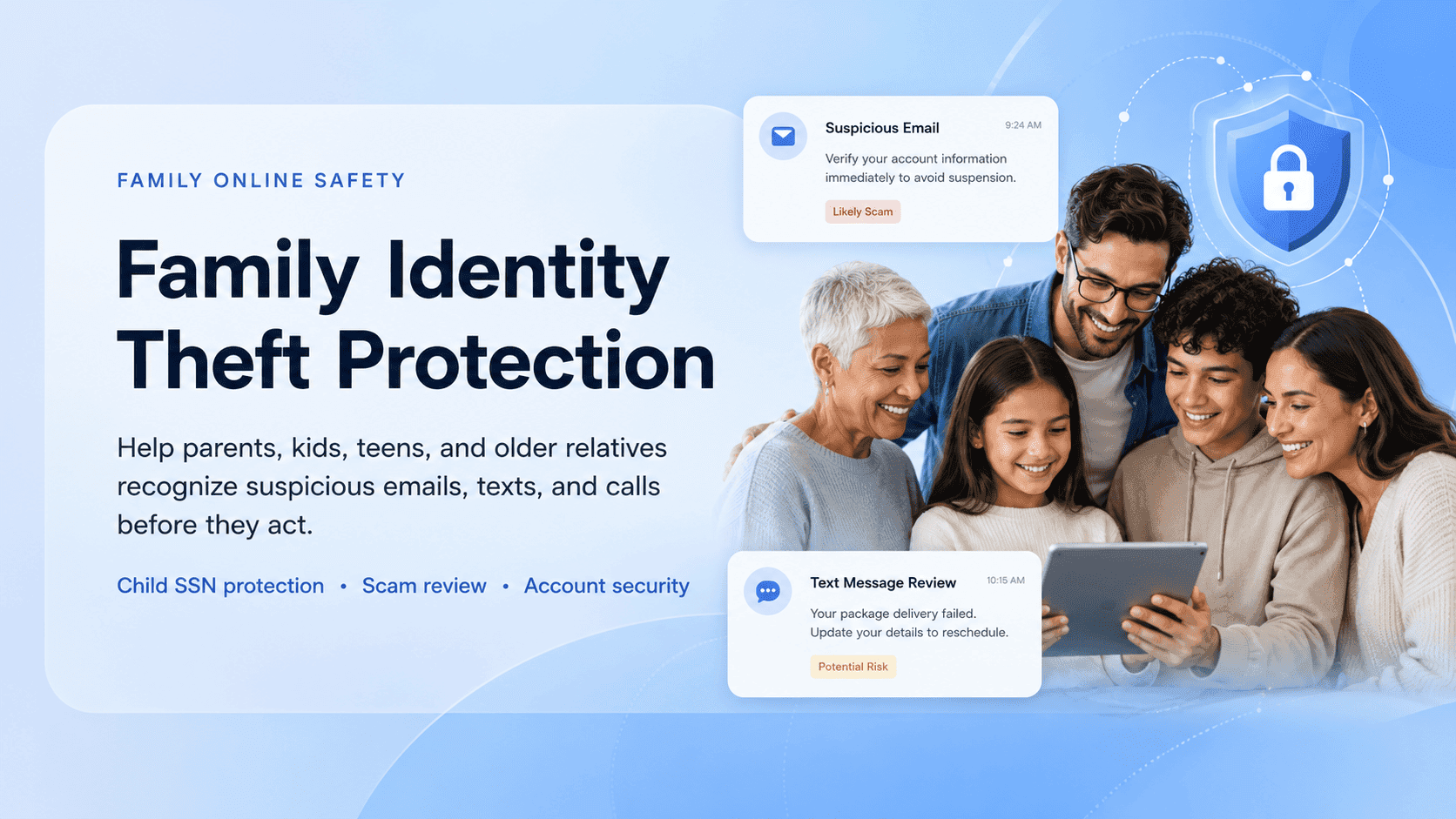
Traditional identity protection often focuses on monitoring after the damage is done. That matters, but families also need tools that help them make safer decisions before someone clicks, pays, replies, or shares information. That is what separates useful family identity theft protection from a product that only sends alerts after it is too late.
Not sure if a message, call, or email is safe? Use Unscammed to check the risk before you respond, click, or share personal information.
What does family identity theft protection cover in 2026?
A strong plan usually combines several layers that work together. No single feature is enough on its own.
Those layers include identity monitoring, credit monitoring, dark web alerts, child SSN monitoring, account takeover alerts, fraud recovery support, scam education, suspicious message review, and multi-agency reporting guidance. The best plans tie these together in a shared dashboard so a parent or caregiver can see what is happening across the household without logging into five different tools.
Identity theft protection vs. scam protection
These two overlap, but they are not the same thing. Understanding the difference helps you choose the right coverage.
Identity monitoring flags exposed personal data, credit changes, or suspicious account activity, but it often reacts after data is already being misused. Credit monitoring tracks credit file changes, new accounts, and hard inquiries, but it may not catch scams that never involve credit at all. Scam protection helps assess suspicious calls, texts, emails, links, and payment requests in the moment, but it needs clear user input and cannot guarantee every outcome. Recovery support helps organize next steps after confirmed fraud, but it usually begins after damage has happened.
A complete plan should cover both sides: the monitoring that catches misuse early and the decision support that helps prevent it in the first place.
Why families need more than individual identity theft protection
Individual plans are built around one person’s data. Family plans need to account for different risk profiles across ages and digital habits.
Parents face account and payment scams
If you are a parent managing a household, the scams aimed at you tend to involve money and access. Fake delivery messages, bank impersonation texts, marketplace fraud, fake subscription renewals, data breach follow-up phishing, and tax identity theft are all common. Many of these start with a text or email that looks routine. If you have ever clicked “confirm your delivery” without checking the sender, you know the feeling. For shopping-related fraud, what to do if you get scammed online shopping walks through disputes and refunds step by step.
Children face silent identity theft
Child identity theft can go unnoticed for years because children are not applying for credit. A child under 18 generally should not have a credit report. If one exists, it may mean someone has been using that child’s information.
The FTC recommends checking whether your child has a credit report and contacting the credit bureaus for a manual search if you suspect misuse. The CFPB explains how to check whether a child has a credit file with the three nationwide credit reporting companies.
Warning signs to watch for: IRS notices in the child’s name, denied government benefits, bills or collection calls for accounts the child never opened, or pre-approved credit offers arriving for a minor. Any of these should be investigated immediately.
Teenagers face social and digital scams
Teens deserve their own attention here, not just a line in a checklist. They are active on social media, gaming platforms, and messaging apps, and each of those is a scam surface.
Common risks include social media account takeovers, gaming marketplace scams, fake job or influencer offers, phishing links in DMs, and impersonation-based threats. Teens may not tell a parent right away, especially if the scam involves something embarrassing or if they were pressured into sharing something private. Building a household where reporting is safe and judgment-free is one of the strongest protections you can offer. For job scams targeting younger job seekers, our guide on employment scams and identity protection covers reporting and what information to never hand over.
Elderly parents face high-pressure scams
Older adults are often targeted through urgency, fear, authority, and isolation. Fake bank security calls, tech support scams, government impersonation, romance scams, investment fraud, and family emergency scams using AI-cloned voices are all in heavy rotation. The FTC has reported a growing wave of scams aimed at retirees’ savings, with losses running well into the tens of thousands per incident.
The FTC’s report on protecting older consumers shows this is not a fringe problem. It is a pattern, and it is growing.
Essential features every family identity protection plan should include
This is the core checklist. If a plan is missing several of these, it is not built for families.
| Feature | Why it matters |
|---|---|
| Multi-person monitoring | Lets parents, children, spouses, and older relatives be covered together |
| Child SSN protection | Helps identify whether a child’s information is being misused |
| Credit freeze guidance | Helps families reduce the risk of new fraudulent accounts |
| Dark web monitoring | Flags exposed emails, phone numbers, passwords, or SSNs |
| Scam call and message review | Helps families check suspicious texts, emails, calls, and links before acting |
| Shared dashboard | Gives caregivers one place to review alerts and risks |
| Recovery plan support | Helps organize what to do after confirmed identity theft |
| Multi-agency reporting guidance | Helps users know where to report scams, fraud, and identity theft |
| Elderly parent support | Helps caregivers review suspicious messages or requests with less friction |
| Education and red-flag guidance | Teaches family members what to watch for before scams escalate |
Before your family responds to a suspicious text, email, or call, check it with Unscammed. Paste the message in, review the risk, and decide from there.
Scan a scam attempt before you respond
How to protect children’s Social Security numbers from identity theft
Start with this: do not share a child’s SSN unless it is truly required. When a school, doctor’s office, or organization asks for it, ask why it is needed, how it will be stored, and whether another identifier can be used instead. Most of the time, a different form of verification works just fine.
If you suspect misuse, contact the three credit bureaus and ask them to search for a file connected to the child’s information. A child generally should not have a credit report unless credit was applied for in the child’s name or the child was added as an authorized user. If a file exists unexpectedly, treat it seriously.
Freezing a child’s credit is possible, but the process differs from the adult version. It may require mail-in documentation and a parent or guardian proof process. The FTC’s guidance on child identity theft is the best starting point for understanding both the warning signs and the steps.
Store physical documents, birth certificates, Social Security cards, and passports, in a locked location. Digital copies should be encrypted or stored in a secure vault, not in an email draft or an unprotected phone folder.
How to protect elderly parents and grandparents from identity scams
This section is about respect as much as protection. The goal is not to take over an older relative’s finances. It is to agree on a verification process before urgent requests, suspicious links, or large transfers.
Create a family rule for money requests. Before anyone in the family sends money, shares a code, buys gift cards, or moves funds based on an urgent request, they must verify through a second channel. Call the person directly. Use a number you already have, not one from the message. For AI voice scams, where a caller can sound exactly like a family member, establish a family safe word or a call-back rule that everyone knows.
Set up trusted contact processes with banks where available. Some financial institutions allow you to designate a trusted contact person who the firm can reach if there are concerns about the account. This is not power of attorney. It is a safety net.
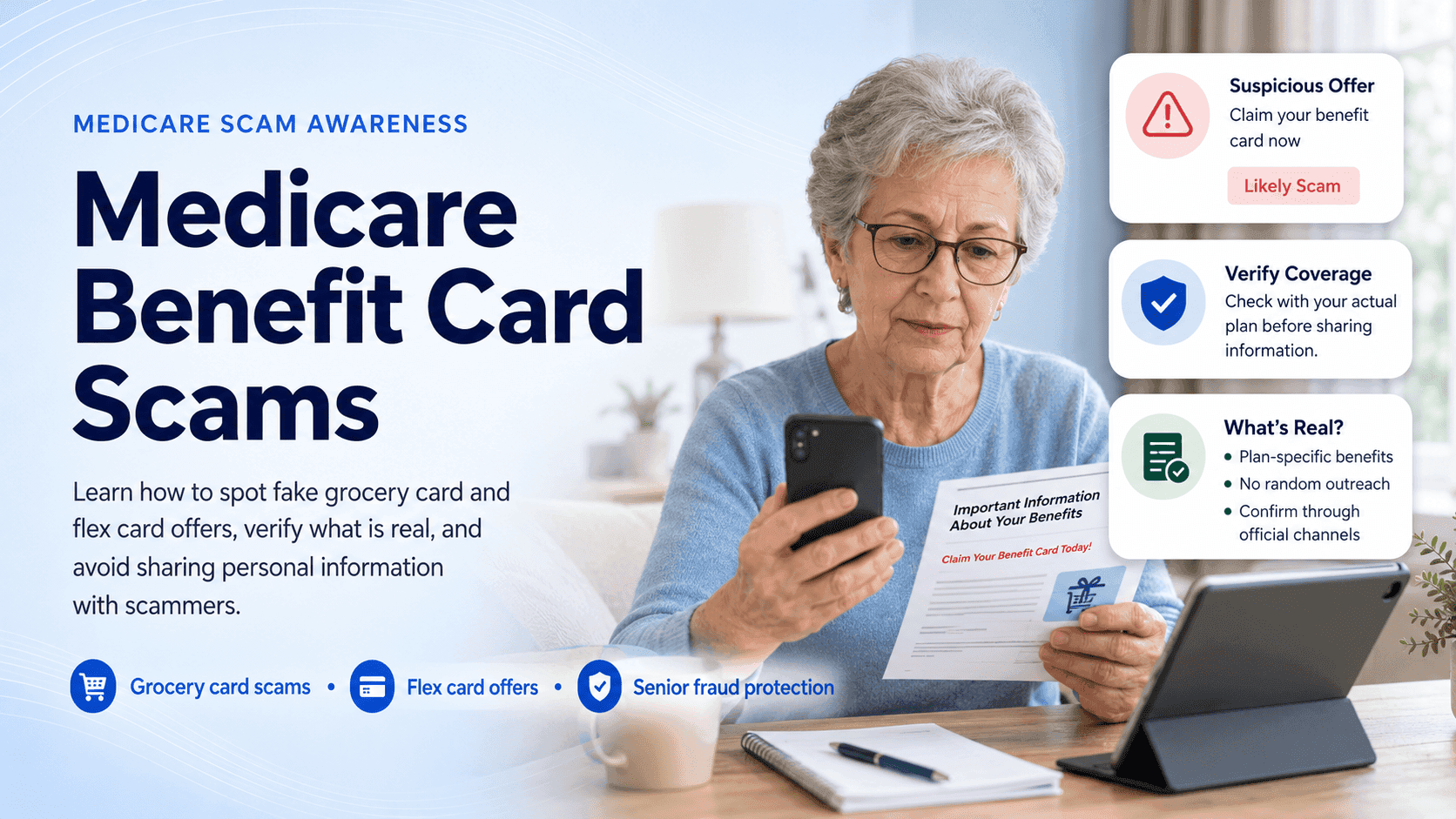
Review suspicious texts and emails before anyone clicks. If an elderly parent receives a message about a bank hold, a package delivery, a Medicare issue, or a government penalty, pause and check it together first.
Encourage older relatives not to stay on the phone with unexpected callers. Scammers build urgency in real time, and every extra minute on the call raises the pressure. Hanging up and calling back on a known number breaks the spell.
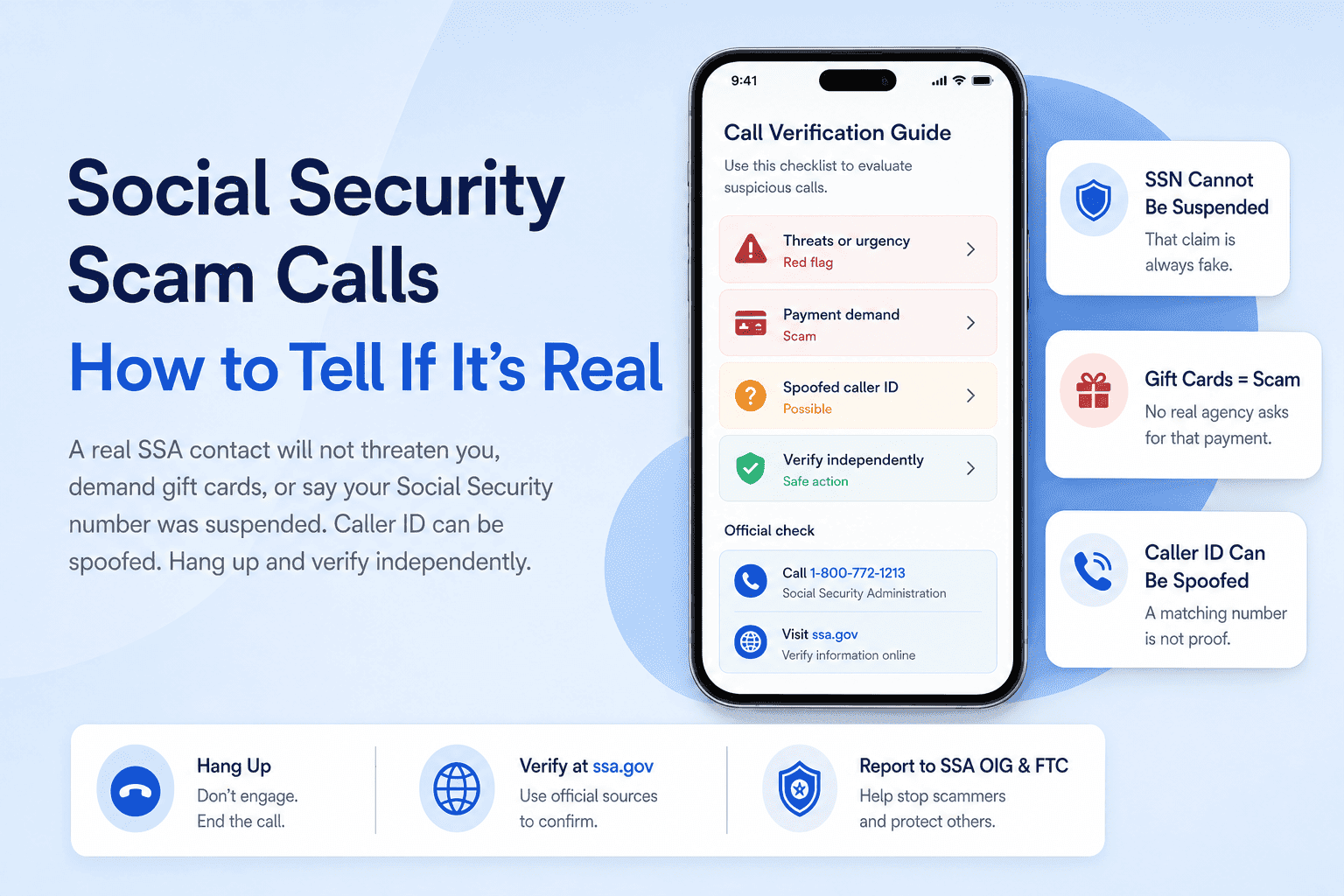
Keep a written list of official numbers for banks, Medicare, Social Security, and utilities so that verification is fast and easy.
If an elderly parent receives a suspicious message or urgent payment request, paste the text into Unscammed before anyone responds.
Review a possible scam with Unscammed
Account takeover protection for the whole household
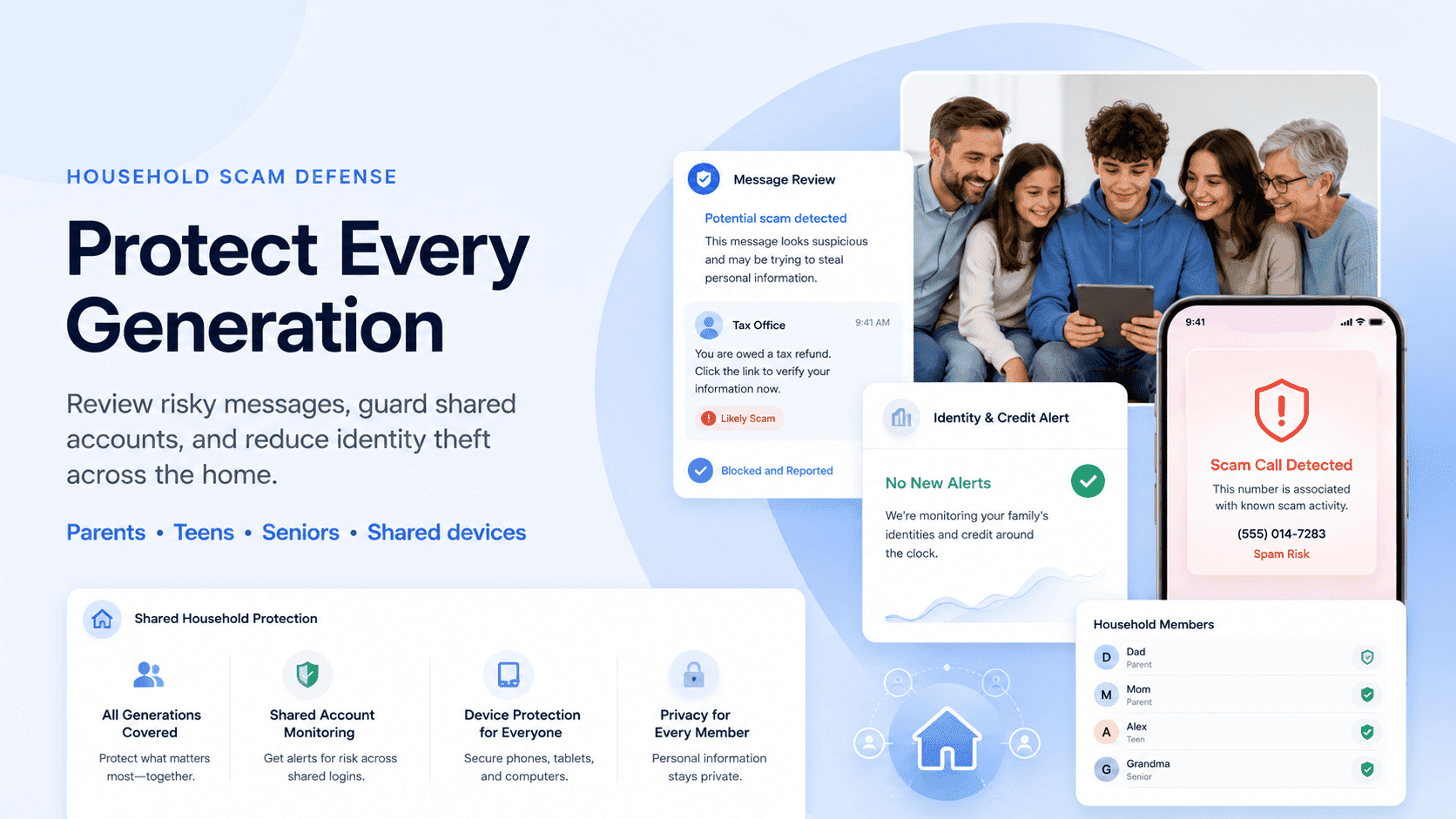
Family protection should also cover account takeover, which is what happens when someone gains access to an existing account rather than opening a new one.
Use a password manager. A family password manager lets every member generate and store unique passwords without reusing them across sites. Reused passwords are still one of the easiest entry points for attackers.
Turn on multifactor authentication everywhere it is available. CISA calls MFA one of the most powerful tools for protecting accounts. Enable it on email, banking, social media, and any account that holds personal data.
Clean up recovery emails and phone numbers. Old recovery addresses or phone numbers you no longer control can be used to reset passwords. Review these settings on every important account at least once a year.
Set a phone carrier PIN. A carrier PIN prevents someone from porting your phone number to another carrier, which is a common step in SIM-swap attacks that bypass text-based two-factor authentication.
Practice shared-device hygiene. On family computers, tablets, and shared phones, log out of sensitive accounts when finished. Avoid storing passwords in browsers on shared devices.
Where AI scam call companion services fit into family protection
AI-powered scam support can help families identify suspicious patterns faster, especially when a family member is not sure whether a message, call, or request is real.
Use cases worth knowing about: reviewing suspicious call summaries, checking texts from “banks,” “delivery companies,” or “government agencies,” helping caregivers review messages sent to elderly parents, explaining why a particular request may be risky, and identifying urgency, secrecy, payment pressure, impersonation, and suspicious links.
AI tools can help review suspicious messages, call summaries, links, and payment requests, but they should support judgment, not replace your bank, official reporting, or law enforcement. The FCC has ruled AI-generated voices in robocalls illegal, which is progress, but the scams themselves have not stopped. Having a review step between “I received this” and “I acted on it” is where this kind of tool earns its value.
Average cost of family identity theft protection per month
These plans are usually priced as monthly subscriptions, with costs varying based on the number of covered adults and children, credit bureau monitoring depth, insurance-style reimbursement features, recovery support, and scam protection tools.
Rather than quoting a number that may be outdated by the time you read this, here is how the pricing landscape generally breaks down.
| Provider type | Typical coverage | Pricing note |
|---|---|---|
| Basic monitoring plan | Limited identity and dark web alerts | Usually lower cost, less recovery support |
| Credit-focused family plan | Credit monitoring for adults, some child features | Varies by bureau coverage |
| Comprehensive family plan | Monitoring, alerts, recovery help, child protection | Higher monthly cost |
| Scam-focused tool | Message, call, or link review before action | May complement traditional monitoring |
Pricing changes often. If you are comparing plans, verify current costs on the provider’s site at the time of purchase.
What family identity protection can and cannot do after a confirmed scam
This matters for trust, so let’s be direct.
What it can help with
Organizing next steps. Documenting what happened. Identifying affected accounts. Guiding users to official reporting channels. Helping freeze credit or place fraud alerts. Monitoring for further misuse. Supporting conversations with banks or institutions. If you need to file an identity theft police report, a good plan helps you prepare the documentation.
What it cannot guarantee
No identity protection plan, no matter how comprehensive, can prevent every scam, guarantee stolen-money recovery, reverse authorized payments automatically, or replace legal, financial, or law enforcement advice. If you see a product making those promises, treat it the same way you would treat any other too-good-to-be-true pitch.
IdentityTheft.gov provides step-by-step advice to help people report identity theft, limit damage, and fix credit. The FTC explains that the site creates an Identity Theft Report, recovery plan, and sample letters tailored to your situation. These official tools are free and should be part of any recovery process.
Multi-agency scam reporting: where families may need to report
When fraud hits a household, you may need to file with more than one agency. Here is the map.
Identity theft: IdentityTheft.gov for a personalized recovery plan and Identity Theft Report.
Fraud, scams, and bad business practices: ReportFraud.ftc.gov to file with the FTC.
Cybercrime or online fraud: FBI’s IC3 through the IC3 complaint form for internet-enabled scams, wire fraud, crypto cases, and large losses.
Bank fraud: Contact the affected bank or card issuer directly.
Tax identity theft: IRS Identity Theft Central.
Credit fraud: Equifax, Experian, and TransUnion for credit freezes. For a fraud alert, contact one bureau and it must notify the other two.
State-level fraud: Find your state attorney general for local reporting and advice.
Local police report: Useful for documentation when a bank, insurer, or recovery process requires one.
Free credit reports: AnnualCreditReport.com for free weekly credit reports from all three bureaus.
For a broader view of which platforms handle which fraud types, our roundup of top scam reporting platforms covers identity theft, crypto, and payment scams. If you need to understand the difference between identity fraud and identity theft and which requires a police report or credit freeze, that guide breaks it down.
Family identity theft protection checklist for 2026
| Family member | Main risk | Protection priority |
|---|---|---|
| Parent or guardian | Data breaches, payment scams, account takeover | Credit monitoring, scam checks, password security |
| Child | SSN misuse, synthetic identity theft | Child credit checks, SSN protection, document security |
| Teenager | Social media scams, phishing, account takeover | Scam education, device safety, password management |
| Elderly parent | Impersonation, tech support, investment, romance scams | Call and message review, family verification rules, trusted contacts |
| Whole household | Shared devices, reused passwords, exposed emails | Password manager, MFA, dark web alerts, shared dashboard |
How to choose the right family identity theft protection plan
Before you sign up for anything, run through these questions.
Does it cover children, or only adults?
Does it monitor all three major credit bureaus?
Does it include child SSN monitoring?
Does it help with scam calls, texts, and emails before money is sent?
Does it offer recovery guidance after identity theft?
Does it support elderly parents or caregivers?
Does it provide a dashboard for the whole family?
Does it explain what to report and where?
Does it avoid exaggerated guarantees?
Is the pricing clear and current?
If a plan checks most of these boxes and does not make promises that sound too good to be true, it is worth a closer look.
Frequently asked questions
What does family identity theft protection cover?
It usually covers identity monitoring, credit alerts, dark web monitoring, child SSN protection, fraud recovery support, and tools that help families spot suspicious activity. Stronger plans also help with scam texts, calls, emails, and reporting steps.
How is family identity protection different from individual identity theft protection?
Individual protection focuses on one person’s data and credit activity. Family protection covers multiple people with different risks, including children with unused Social Security numbers, adults exposed in data breaches, and elderly parents targeted by impersonation scams.
Should I freeze my child’s credit?
A credit freeze can help prevent new accounts from being opened in your child’s name. The FTC recommends checking whether your child has a credit report if you suspect misuse, since most children under 18 should not have one. Freezing may require mail-in documentation and a parent or guardian proof process.
What is the best identity theft protection for elderly parents?
The best protection should include more than credit monitoring. It should help with scam calls, suspicious texts, impersonation attempts, financial account safety, family verification processes, and recovery guidance if fraud occurs.
Can family identity theft protection recover stolen money?
It may help with documentation, recovery steps, reporting, and account protection, but no service can guarantee that stolen money will be recovered. Families should contact their bank, report the incident, and follow official recovery steps as quickly as possible.
Do families still need scam protection if they already have credit monitoring?
Yes. Credit monitoring alerts you after a new account or credit change appears, but many scams happen before that point. Scam protection helps families review suspicious messages, calls, links, or payment requests before someone acts.
Protecting your family starts before the scam, not after
Family identity theft protection in 2026 should not only monitor data after something goes wrong. It should help families prevent mistakes in the moment, protect children’s SSNs, support elderly parents, organize recovery steps, and make it clear where to report scams when they happen. The families who stay safest are the ones who build the habit of pausing and checking before they act.
Before your family clicks, replies, pays, or shares personal information, check the message with Unscammed.
Featured Articles